Here you'll find ready-to-use text and screenshots for promoting Automation Studio. You may
also freely use all text and images from this entire website for your own promotion — whether
on your blog, newsletter, social media, or a tool directory. The only requirement: link to
your personal promo link.
🔗
Don't forget: replace the placeholder [YOUR-PROMO-LINK] in
every text snippet with your own referral URL, e.g.
https://www.inspiredsoftware.de/go/automationstudio#aff=YOUR-AFFILIATE-ID. Only
then will a sale referred through it be automatically attributed to you. Details on the
affiliate page.
Text snippets
Copy & publish directly
Short, medium, or long — pick the snippet that fits your channel, add your promo link, and
publish right away.
Short · Social media (X, LinkedIn, Facebook)
Just tried Automation Studio: record a click workflow once, then replay it automatically as often as needed – including image-anchor search instead of fixed coordinates and an automatic HTML report. Free 14-day trial for recording and playback: [YOUR-PROMO-LINK]
Medium · Newsletter teaser / blog intro
In many business departments, someone clicks through the same Windows application day after day – the same screens, the same inputs, the same workflow. Automation Studio takes care of exactly those clicks and inputs: a workflow is recorded once via real mouse/keyboard capture and then replays automatically 1 to 999 times in a row – including image-anchor search, retry logic on failure, and an automatic HTML report for every run. Try it free for 14 days for recording and playback: [YOUR-PROMO-LINK]
Long · Blog article / product overview
Automation Studio is an automation tool for recurring click and input workflows in Windows applications – with no scripting required. A global mouse/keyboard capture automatically recognizes clicks, double-clicks, drags, scrolls, and keystrokes and turns them into named workflow steps – including an image anchor around the click point plus window and control names.
During playback, click targets are relocated using the image anchor instead of fixed coordinates, so a workflow keeps working even after minor layout shifts in the next update. Configurable retry logic on failure and a "wait for image state" feature keep runs stable. A workflow can also repeat automatically 1 to 999 times in a row – with a live progress indicator, ideal for routine work that recurs in the same form. Every run automatically produces an HTML report with a step table, screenshots, and diff images for failed image comparisons.
Automation Studio targets business departments and IT service providers who perform the same clicks and inputs over and over in the same form. It offers a free, unrestricted 14-day trial for recording and playback; a license is only needed once you want to save, export, or create a new project – afterwards, a one-time license starting at €199 replaces a subscription. More information and the free download: [YOUR-PROMO-LINK]
Email template
Subject: A tip against repetitive clicking: Automation Studio
Hi,
I wanted to recommend Automation Studio – a tool that automates recurring click and input workflows in Windows applications.
The idea: record a workflow once (via real mouse/keyboard capture, no scripting required) and then replay it automatically as often as needed – including image-anchor search, retry logic on failure, and an automatic HTML report for every run.
Free, unrestricted 14-day trial for recording and playback available here: [YOUR-PROMO-LINK]
Best regards
Short description for tool directories / listings
Automation Studio automates recurring click and input workflows in Windows applications: a workflow is recorded via real mouse/keyboard capture and then replays automatically as often as needed – with image-anchor search, retry logic, and an automatic HTML report. Free 14-day trial for recording and playback, then a one-time license instead of a subscription.
Images
Screenshots for your promotion
Use our official images on your own website, blog, or social media posts — link them with
your personal promo link and earn commission on every sale you refer through it. Just click
"Download".
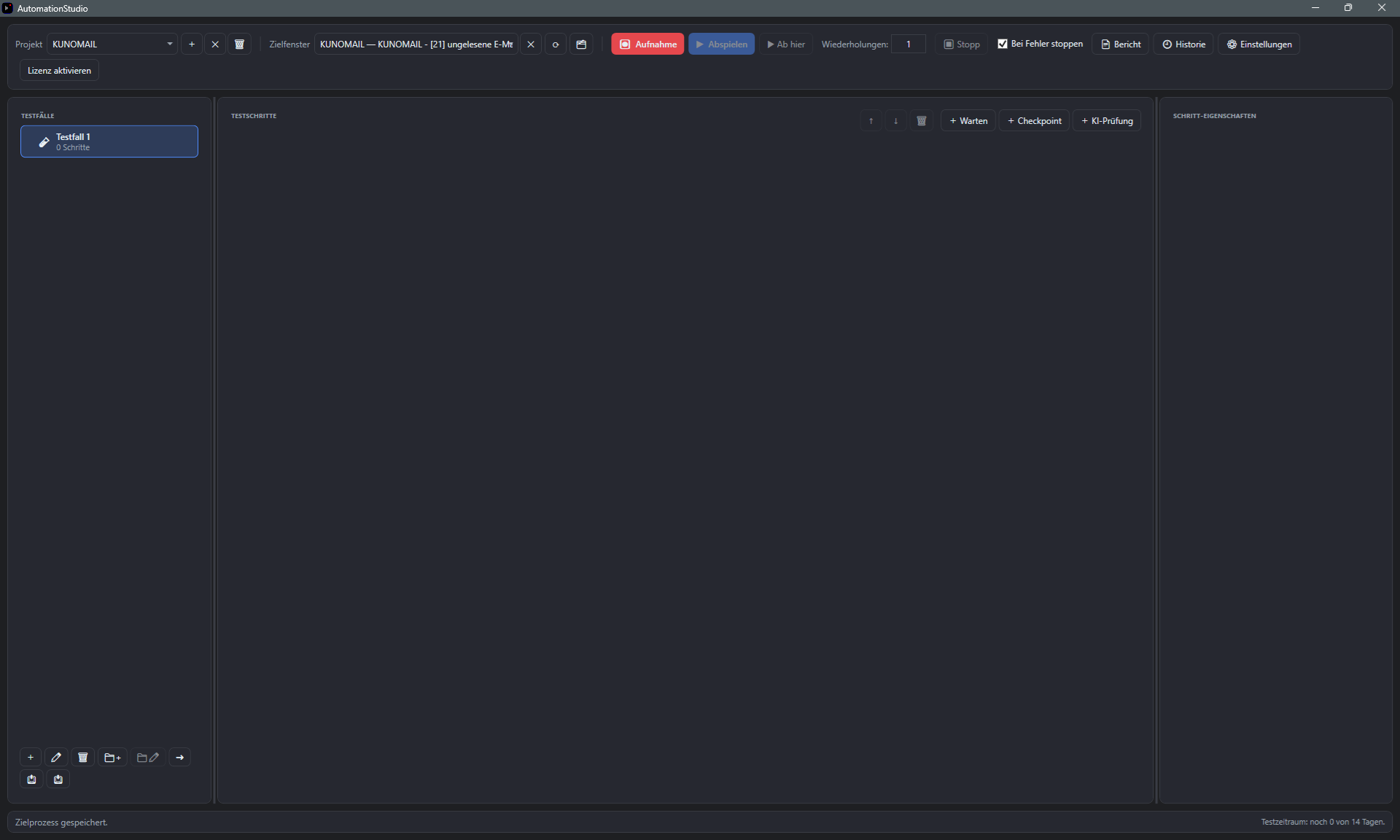
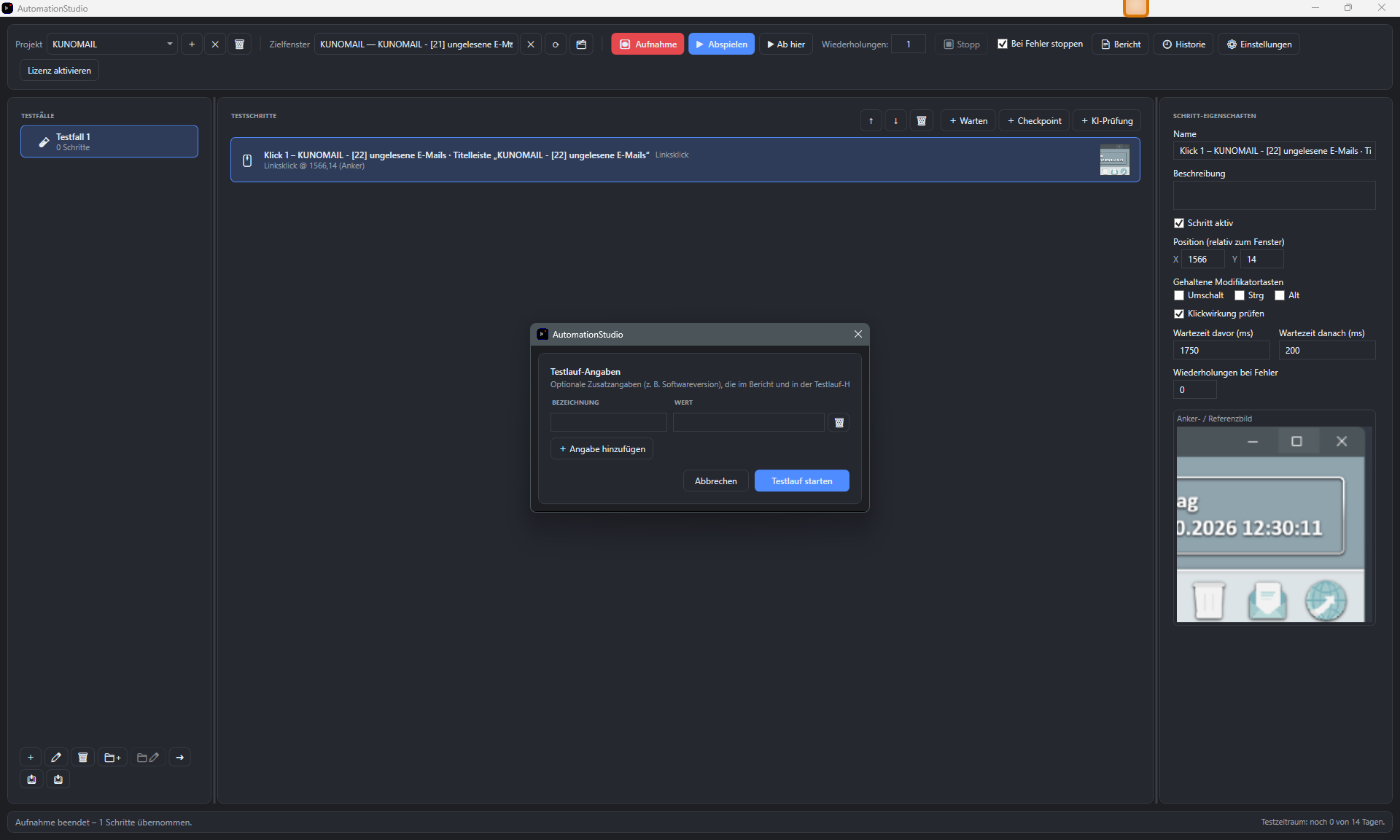
Screenshot: main window
Test case tree, step list, and properties panel at a glance.