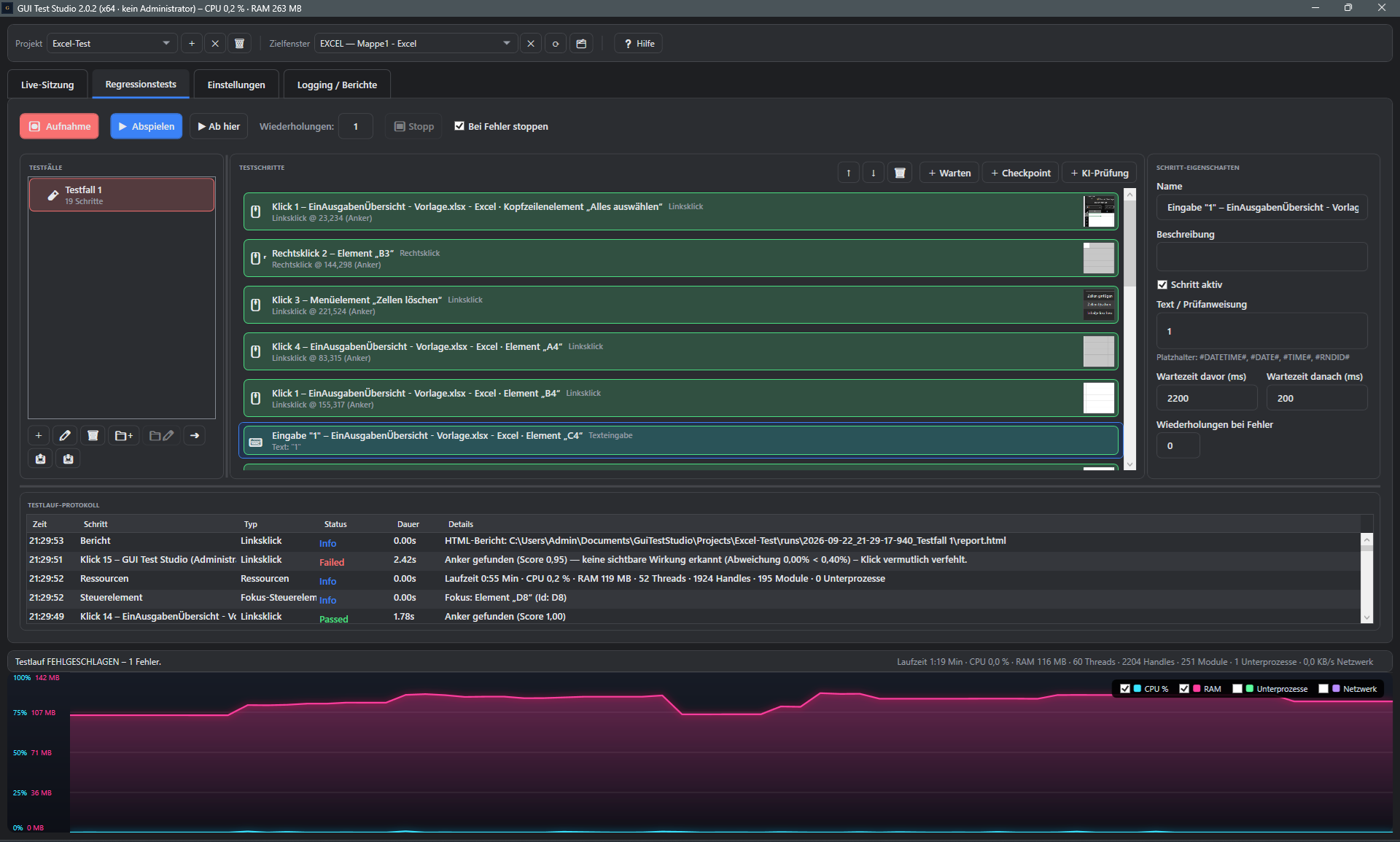
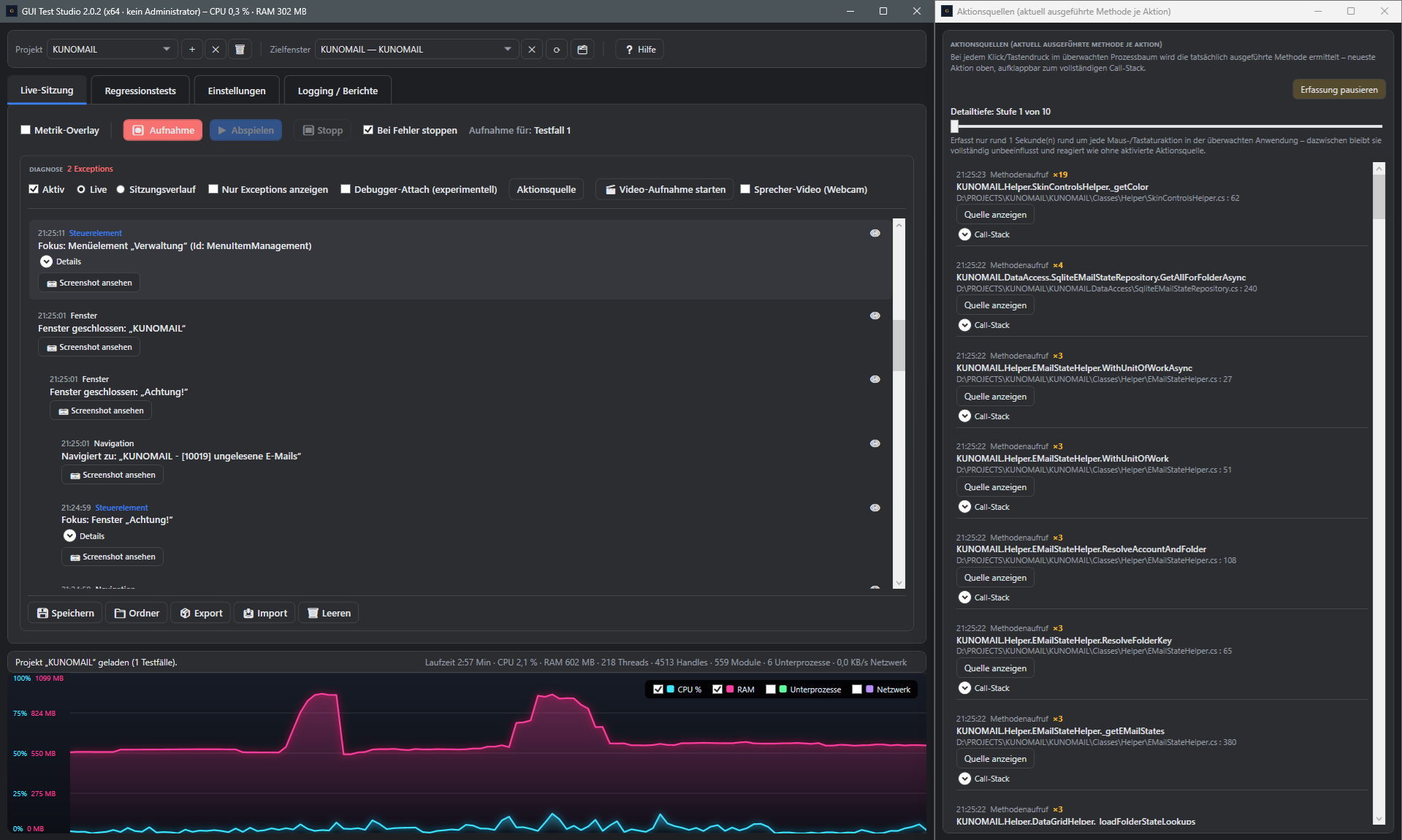
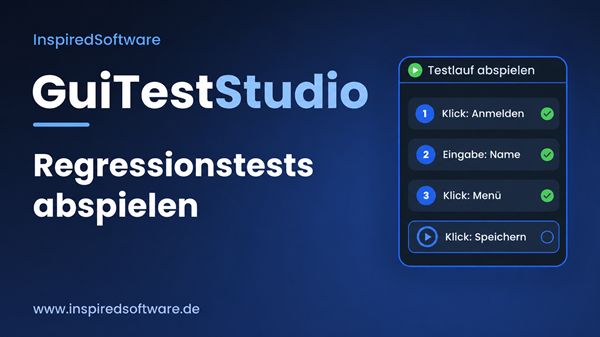
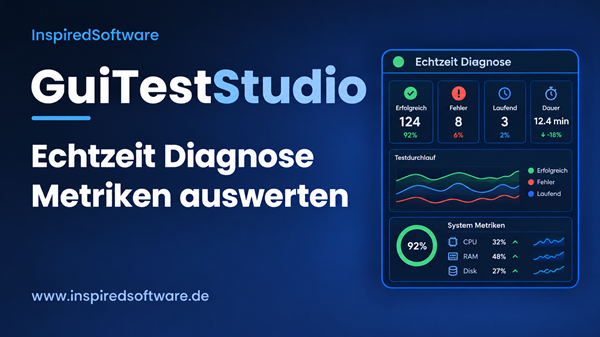
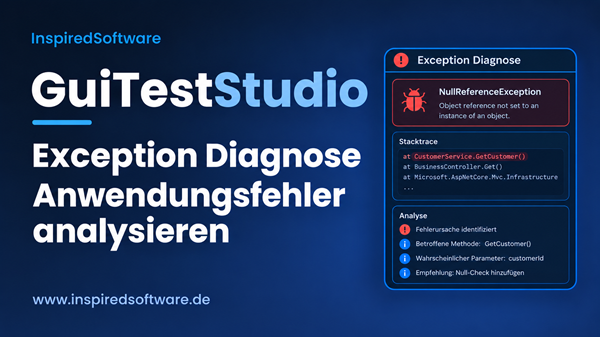
Here you'll find ready-to-use text, screenshots, and a product video for promoting GUI Test
Studio. You may also freely use all text and images from this entire website for your own
promotion — whether on your blog, newsletter, social media, or video. The only requirement:
link to your personal promo link.
🔗
Don't forget: replace the placeholder [YOUR-PROMO-LINK] in
every text snippet with your own referral URL, e.g.
https://www.inspiredsoftware.de/go/guiteststudio#aff=YOUR-AFFILIATE-ID. Only
then will a sale referred through it be automatically attributed to you. Details on the
affiliate page.
Text snippets
Copy & publish directly
Short, medium, or long — pick the snippet that fits your channel, add your promo link, and
publish right away.
Short · Social media (X, LinkedIn, Facebook)
Just tried GUI Test Studio: record a workflow once, then let it automatically re-verify with every update – including AI-powered image checks and live metrics. Free, full-featured 14-day trial: [YOUR-PROMO-LINK]
Medium · Newsletter teaser / blog intro
Anyone building or maintaining Windows software knows the problem: before every update, everything gets re-tested by hand – in-house and at the customer's site too. GUI Test Studio takes care of exactly that: a workflow is recorded once via real mouse/keyboard capture and then replays automatically with every new release – including AI-powered image checks, live metrics (CPU, RAM, network), and automatic failure diagnostics. Try it free with full features for 14 days: [YOUR-PROMO-LINK]
Long · Blog article / product overview
GUI Test Studio is a test automation tool for Windows applications that records real workflows and replays them automatically as often as needed – with no scripting required. A global mouse/keyboard capture automatically recognizes clicks, inputs, and navigation steps and turns them into named, image-backed test steps.
During playback, tolerant image comparison, retry logic on failure, and a "wait for image state" feature keep test runs stable. An AI-powered check additionally judges screenshots against freely worded business criteria instead of just pixel comparison – including an automatic explanation when a check fails. During the run, CPU usage, RAM, network traffic, and other technical diagnostic data are captured live as well, making root-cause analysis significantly easier.
GUI Test Studio targets software vendors with Windows desktop applications, internal QA teams, and IT service providers running recurring regression and customer-acceptance tests. It offers a free, full-featured 14-day trial; afterwards, a one-time license starting at €699 replaces a subscription. More information and the free download: [YOUR-PROMO-LINK]
Email template
Subject: A tip for recurring Windows tests: GUI Test Studio
Hi,
I wanted to recommend GUI Test Studio – a test automation tool for Windows applications that I use myself / have looked into.
The idea: record a workflow once (via real mouse/keyboard capture, no scripting required) and then have it automatically re-verified with every update – including AI-powered image checks and live metrics like CPU, RAM, and network traffic.
Free, full-featured 14-day trial available here: [YOUR-PROMO-LINK]
Best regards
Short description for tool directories / listings
GUI Test Studio automates GUI testing for Windows applications: workflows are recorded via real mouse/keyboard capture and replayed automatically with every update – with AI-powered image checks, live metrics, and technical diagnostics. Free 14-day trial, then a one-time license instead of a subscription.
Images & video
Screenshots and product video
Use our official images and video on your own website, blog, or social media posts — link
them with your personal promo link and earn commission on every sale you refer through it.
Just click "Download".
Introduction video
Short product video (~60 seconds) — shows test automation and live analysis at a glance.
Great for embedding on your site or for social media.
Need other visuals, or is the existing material not enough for your channel? Get in touch — we're happy to provide additional material.
YouTube channel
Our videos are free to use too
Link to our YouTube channel, embed individual videos on your own site, or share them on
social media — with your promo link in the description or accompanying text.
Caption for a video description / social media post
More GUI Test Studio video tutorials are available on the official YouTube channel: https://www.youtube.com/@InspiredSoftwareBerlin — free 14-day trial: [YOUR-PROMO-LINK]
🎬
Embed a video on your own site: open the video you want on YouTube,
click "Share" → "Embed" below it, and paste the code shown there into your website. Add
your promo link right below it, since YouTube itself doesn't support affiliate tracking
inside the video.
Not signed up yet?
Start as an affiliate now
Sign-up runs entirely through Digistore24 and only takes a few minutes.