Here you'll find ready-to-use text and screenshots for promoting MetricsStudio. You may also
freely use all text and images from this entire website for your own promotion — whether on
your blog, newsletter, social media, or video. The only requirement: link to your personal
promo link.
🔗
Don't forget: replace the placeholder [YOUR-PROMO-LINK] in
every text snippet with your own referral URL, e.g.
https://www.inspiredsoftware.de/go/metricsstudio#aff=YOUR-AFFILIATE-ID. Only
then will a sale referred through it be automatically attributed to you. Details on the
affiliate page.
Text snippets
Copy & publish directly
Short, medium, or long — pick the snippet that fits your channel, add your promo link, and
publish right away.
Short · Social media (X, LinkedIn, Facebook)
Just tried MetricsStudio: live CPU, RAM, and network usage of processes and entire machines in a tile dashboard – locally and, via the RemoteAgent, on remote Windows machines too. Free, full-featured 14-day trial: [YOUR-PROMO-LINK]
Medium · Newsletter teaser / blog intro
Anyone running Windows servers or applications knows the problem: a slowly rising CPU or memory load often goes unnoticed until the application is already stalling. MetricsStudio shows CPU, memory, and network usage of individual processes or entire machines live as a tile dashboard – on another machine too, via the separate MetricsStudio.RemoteAgent. With configurable thresholds per tile, recording over a time period, and export as an HTML report. Try it free with full features for 14 days: [YOUR-PROMO-LINK]
Long · Blog article / product overview
MetricsStudio is a live resource monitoring tool for processes and machines on Windows. CPU usage, memory, and network traffic of individual processes or entire computers are displayed as a tile dashboard with a live chart – including a hover tooltip for exact values and a freely configurable time window.
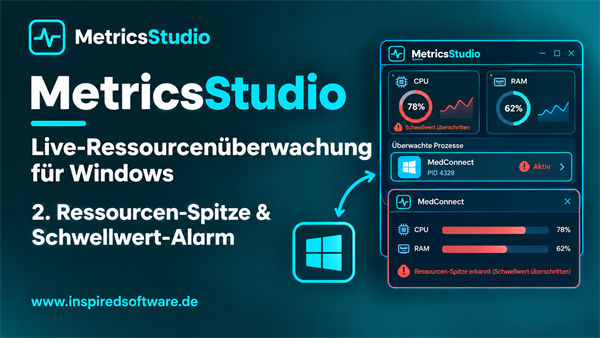
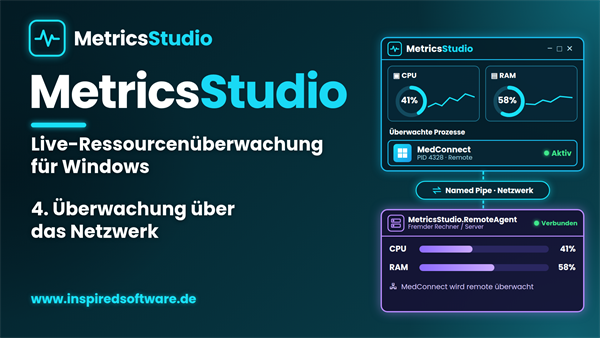
Via the separate MetricsStudio.RemoteAgent, any number of targets on other Windows machines can be monitored at once over a single connection – whether individual processes or an entire machine. If a monitored process restarts and gets a new process ID, MetricsStudio recognizes it automatically, without recreating the tile. Each tile can also have its own warning thresholds, which visibly change the tile's color when exceeded.
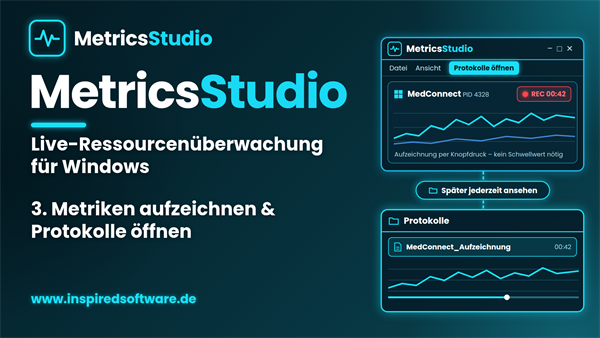
Readings can be recorded per tile and reviewed later in a dedicated analysis view, or exported and shared as an HTML report. MetricsStudio targets IT administrators, software vendors, and service providers who monitor servers and applications in production. It offers a free, full-featured 14-day trial; afterwards, a one-time license per workstation for €199 replaces a subscription. More information and the free download: [YOUR-PROMO-LINK]
Email template
Subject: A tip for resource monitoring on Windows: MetricsStudio
Hi,
I wanted to recommend MetricsStudio – a live resource monitoring tool for processes and machines on Windows that I use myself / have looked into.
The idea: track CPU, memory, and network usage of individual processes or entire machines live as a tile dashboard – locally and, via the separate RemoteAgent, on other machines too. Including per-tile thresholds, recording, and export as an HTML report.
Free, full-featured 14-day trial available here: [YOUR-PROMO-LINK]
Best regards
Short description for tool directories / listings
MetricsStudio monitors CPU, memory, and network usage of processes and entire machines live as a tile dashboard – locally and, via RemoteAgent, on remote Windows machines too, with thresholds, recording, and HTML reporting. Free 14-day trial, then a one-time license instead of a subscription.
Images
Screenshots of the tile dashboard
Use our official screenshots on your own website, blog, or social media posts — link them
with your personal promo link and earn commission on every sale you refer through it. Just
click "Download".
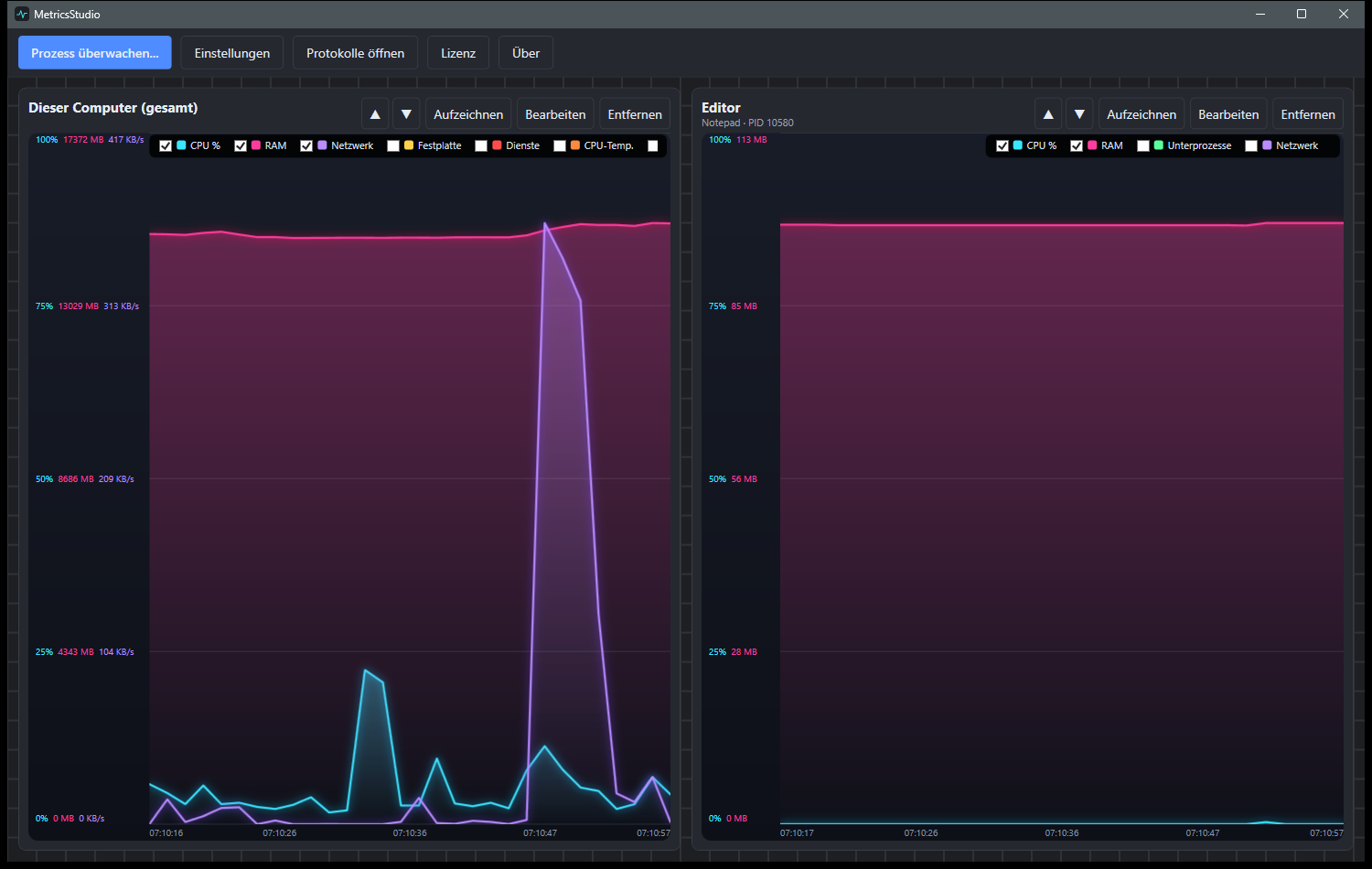
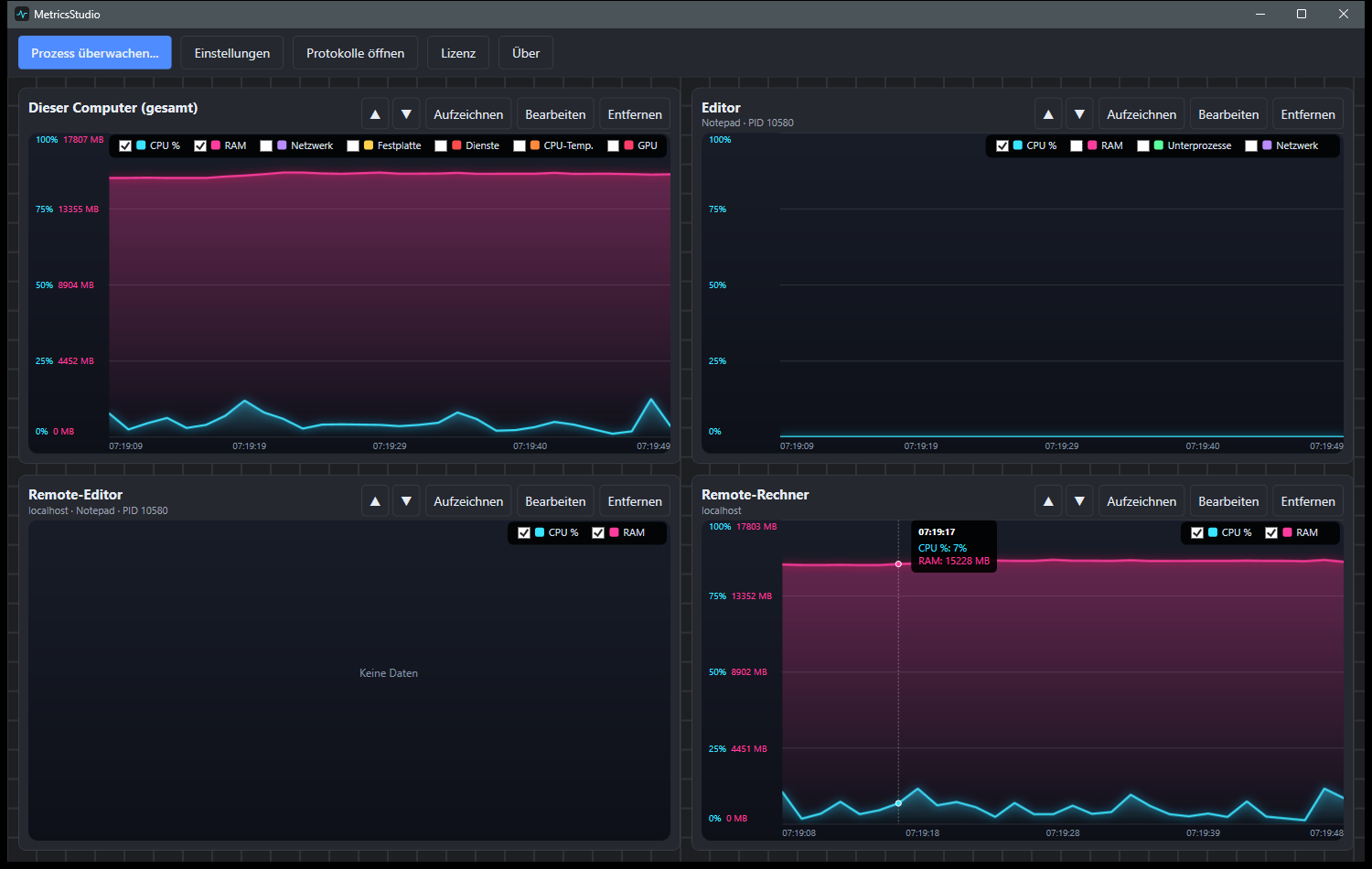
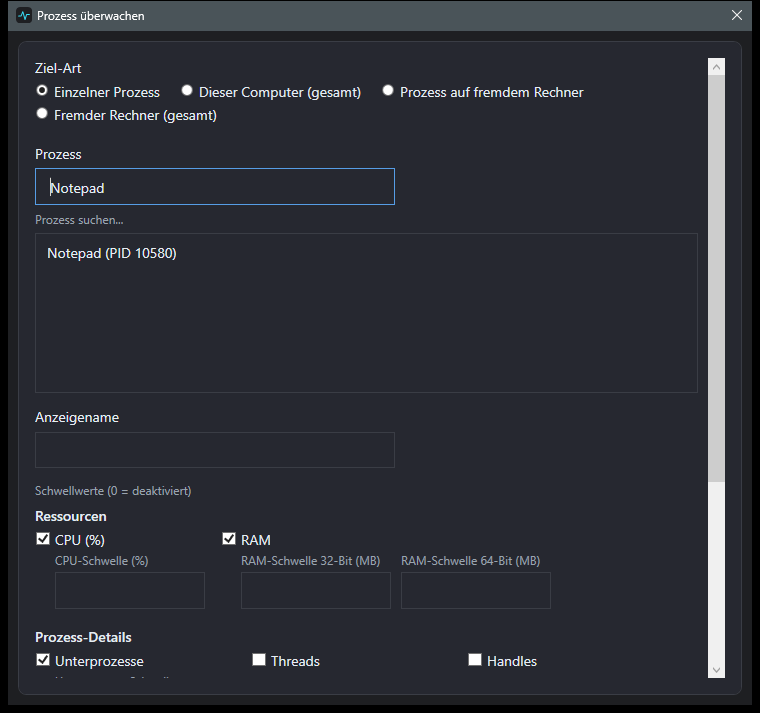
Tile dashboard at a glance
Two monitored targets with a live chart for CPU, RAM, and network, each tile toggled
independently.
Need other visuals, or a product video? Get in touch — we're happy to provide additional material.
YouTube channel
You're free to use our videos too
Link to our YouTube channel, embed individual videos on your own site, or share them on
social media — with your promo link in the description or the accompanying text.
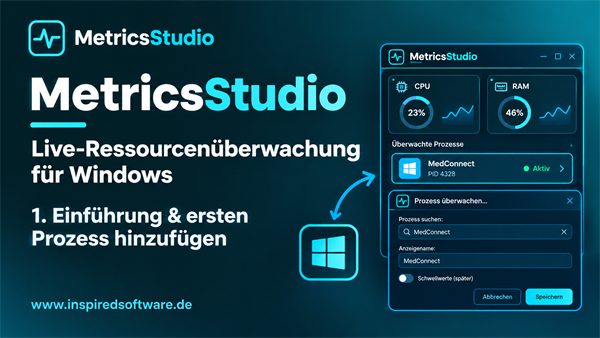
More MetricsStudio video tutorials are available on the official YouTube channel: https://www.youtube.com/@InspiredSoftwareBerlin — try it free for 14 days: [YOUR-PROMO-LINK]
🎬
Embed a video on your own site: Open the video you want on YouTube,
click "Share" → "Embed" below the video, and paste the resulting code into your webpage.
Add your promo link directly underneath, since YouTube itself doesn't support affiliate
tracking inside the video.
Not signed up yet?
Start as an affiliate now
Sign-up runs entirely through Digistore24 and only takes a few minutes.